
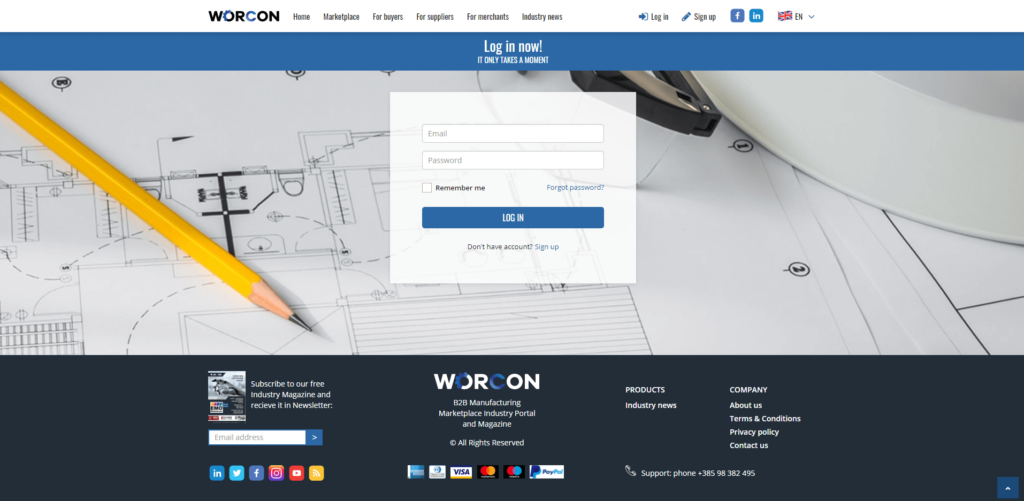
When a user has created an account for the Worcon platform, he can log in on the Worcon website
On the upper right side is Login where the user can log in with his
- Email – user enters his email address
- Password – user enters his created password for the Worcon platform
The user can click on Remember me if he wants his application to be remembered
By clicking on Forgot password user can ask for a new password
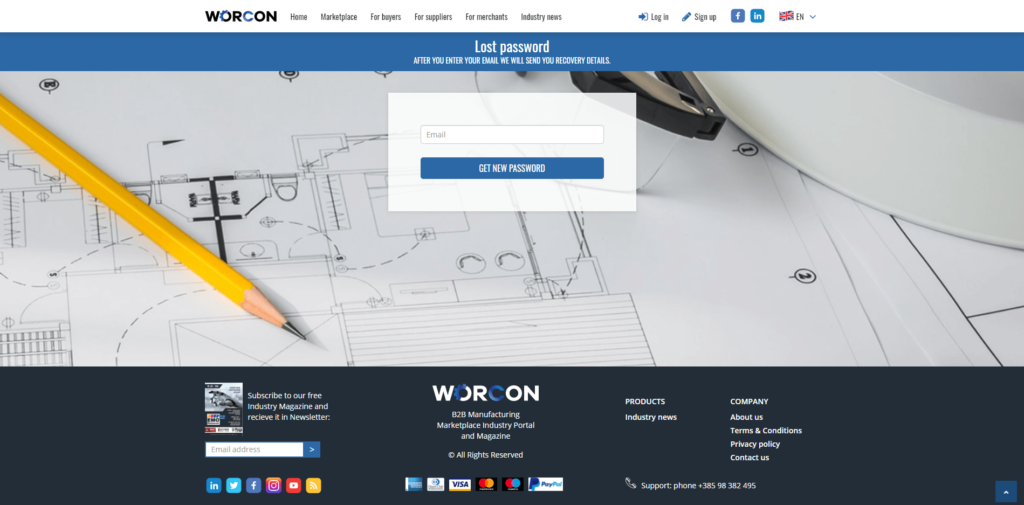
The user has to type in his email address, click on Get the new password and all recovery details will be sent to his email
